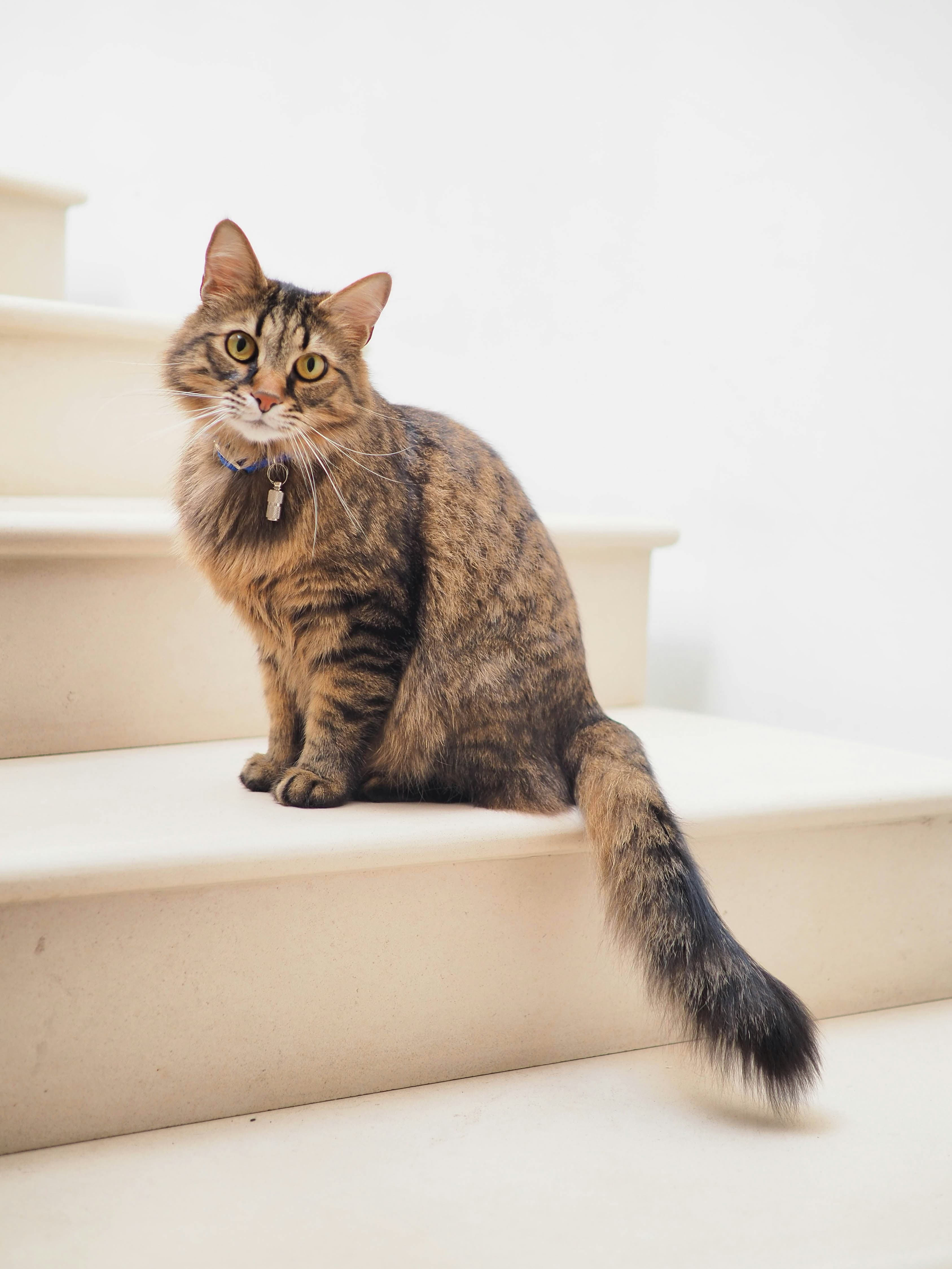
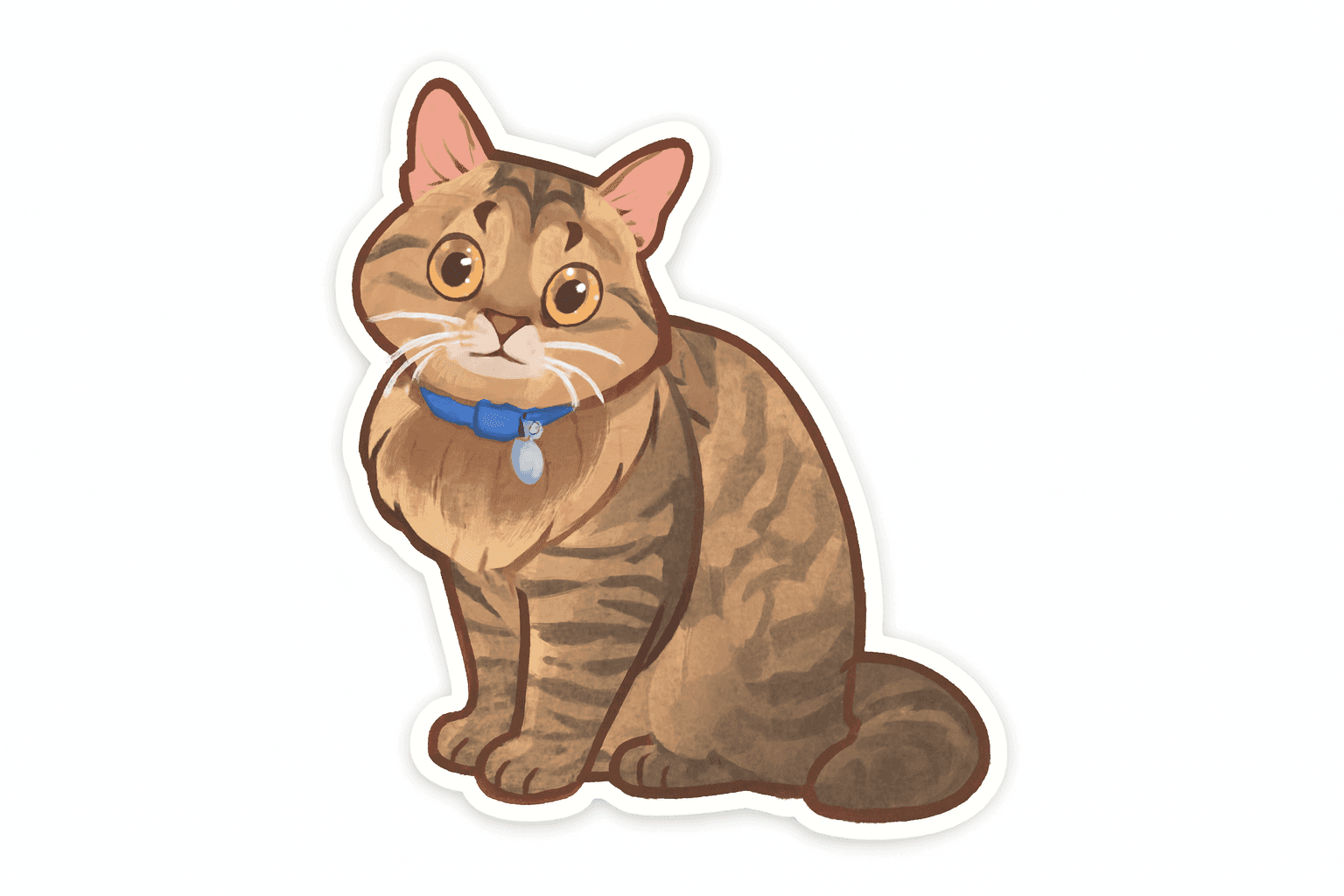
Free AI Sticker Generator
This guide explains how to try the sticker generator with a signed-in account and starter credits. You can review the tool and prepare an input before login, but generating a sticker requires credits.
What this guide covers
- How starter credits work after sign-in
- Why generation requires an account
- How to get the most value from each credit
When to use this
Use this when you want to test the tool with starter credits before buying more.
Recommended settings
Style
Start with Clean Cartoon for the most reliable sticker result.
Aspect ratio (tool supports: 1:1, 3:2, 2:3)
Start with 1:1. Switch only if the subject is clearly tall (2:3) or wide (3:2).
Preview tips
Make each credit count:
- Choose a clear source image
- Use a single subject
- Check edges before downloading
Step-by-step
- Open the sticker generator and upload your image
- Choose a style and ratio
- Sign in or create an account if prompted
- Generate with credits
- Download PNG
Tips to maximize starter credits
- Use sharp, well-lit photos with simple backgrounds
- Keep the subject large in frame
- Avoid crowded scenes that often require retries
Common failures and fixes
- Output missing parts: crop closer or use a single, clear subject.
- Messy edges: choose a simpler background or try Clean Cartoon.
- Blurry result: upload a higher-resolution image and avoid heavy compression.
- Generation failed: try a smaller file, switch styles, or retry later. Failed generations do not consume credits.
FAQ
Can I generate without signing in? No. You can prepare the input first, but generation requires a signed-in account.
How many starter credits do I get? Starter credits depend on the current account configuration. Your available balance is shown in the tool after sign-in.
When are credits used? Successful sticker generations use 1 credit. Failed generations do not consume credits.