AI Sticker Generator
Upload a photo, choose a style, and generate a sticker-ready PNG in seconds.
Pick a ratio, preview the result, and download.
Generate a sticker
Upload a photo, pick a style, and download a sticker-ready PNG.
Loading balance...
JPG, PNG, or WEBP up to 10MB.
1:1 works best for chat stickers. 3:2 is wide, 2:3 is tall.
Guests get 5 free credits. Sign in for more credits.
AI Sticker Generator: Image to Sticker and Photo to Sticker
Why choose this sticker generator
- Transparent PNG outputs for easy overlay
- No installation required — run it in your browser
- Mobile-friendly workflow from upload to download
- Clean edges optimized for stickers and chat apps
What is
- Turns a photo into a sticker-style image
- Choose from preset styles and aspect ratios
- Works best with clear, single-subject images
How to use
- Upload a JPG, PNG, or WebP (max 10MB)
- Pick a sticker style
- Choose an aspect ratio (1:1, 3:2, 2:3)
- Click Generate sticker
- Preview and download the PNG
Tool settings
- Sticker styles: Six presets including cartoon, kawaii, pixel, 3D, ink, and watercolor
- Aspect ratio: Choose 1:1, 3:2, or 2:3
- Side-by-side preview: See the source and generated result
- Download PNG: Save the generated sticker
- Guest quota: Guests can generate up to 5 stickers for free
- Credits: Signed-in users use 1 credit per generation
Use cases
- Social post stickers
- Chat app emoji packs
- Event badges
- Product mockups
- Printable sheets
- Pet photo stickers
Usage examples
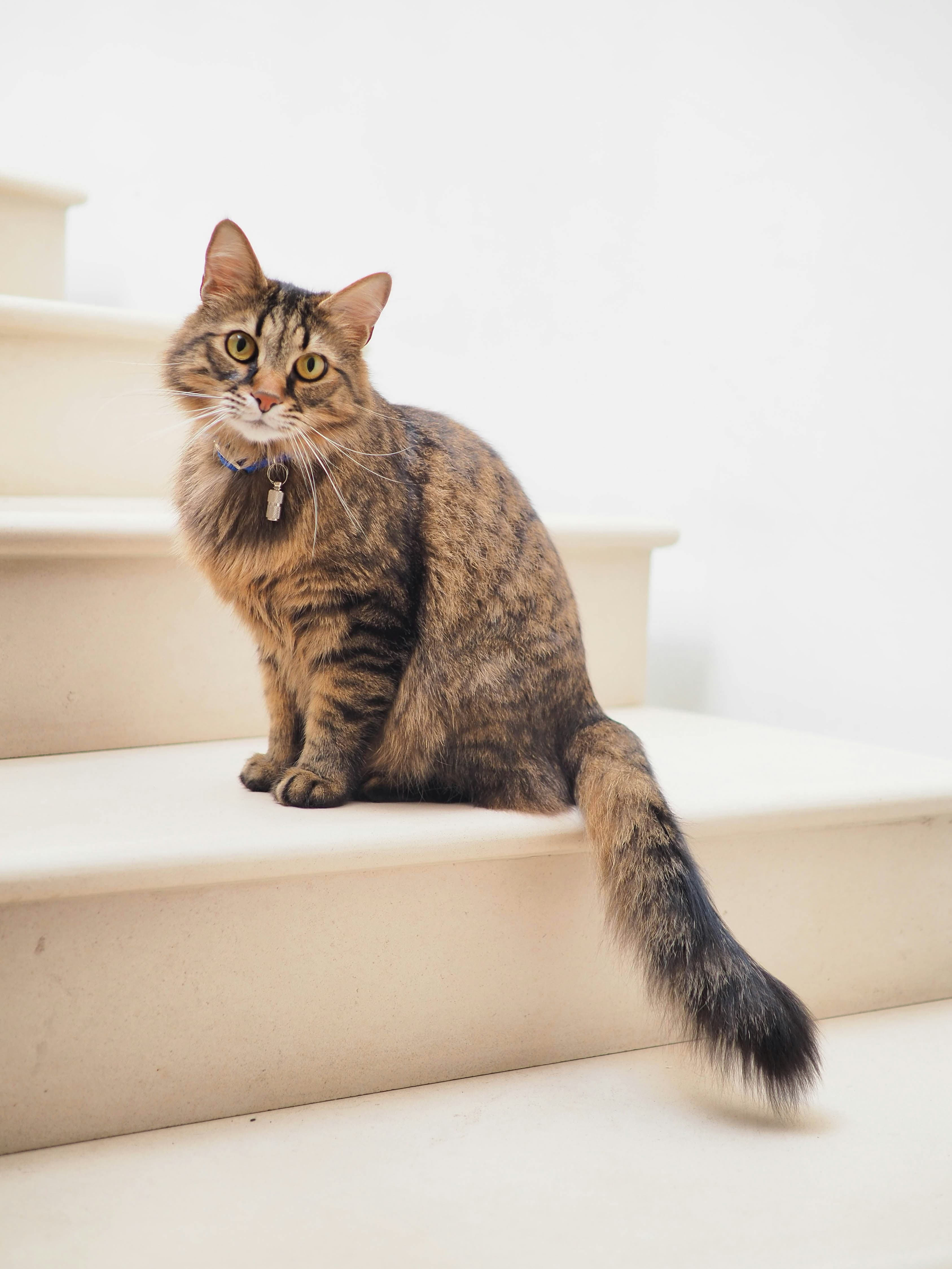
Input
Output
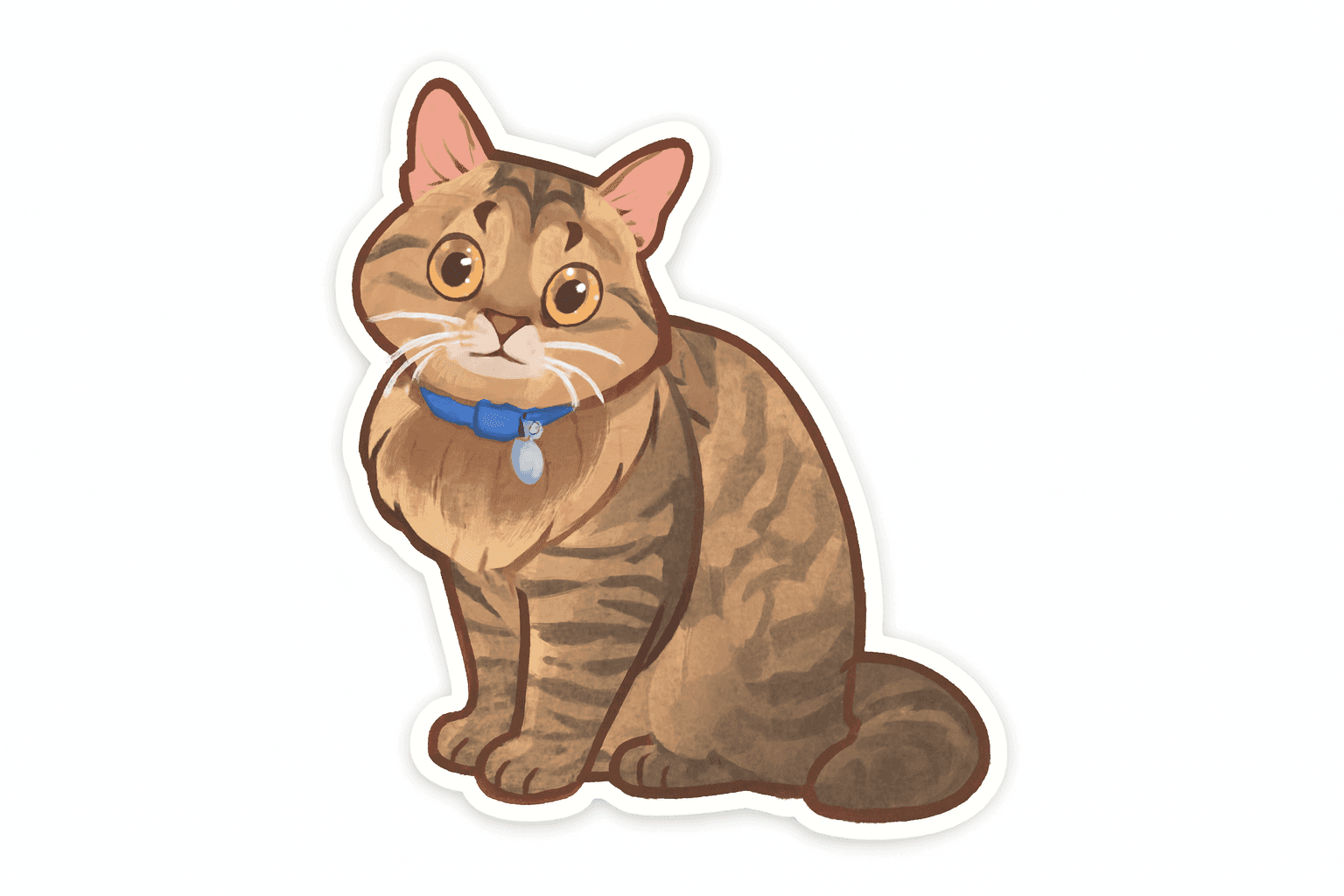
Pet portrait
Input: Single subject with clean background
Output: Transparent PNG with clean edges
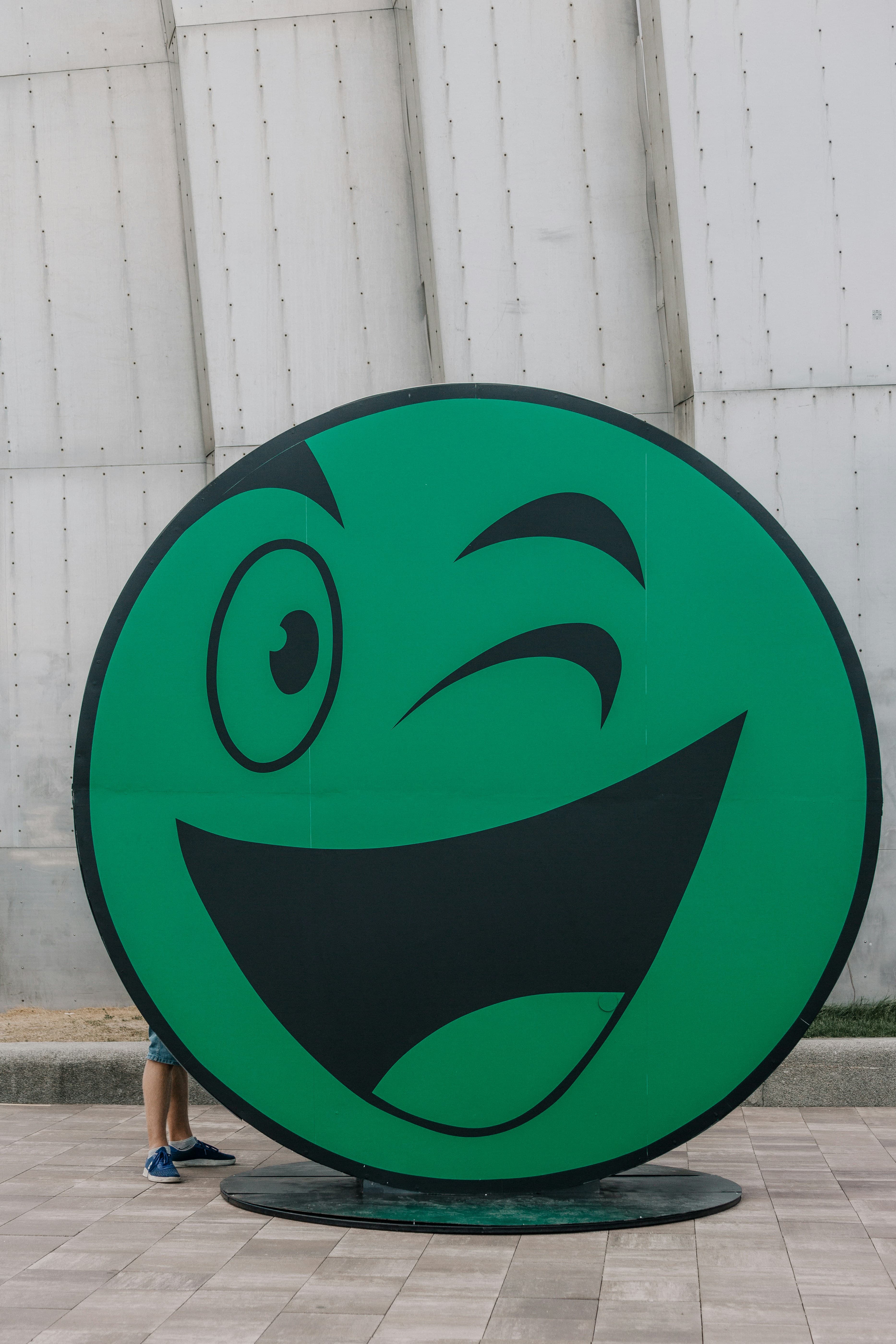
Input
Output

Logo cutout
Input: High-contrast logo on plain background
Output: Sticker-ready PNG for chat apps
Input
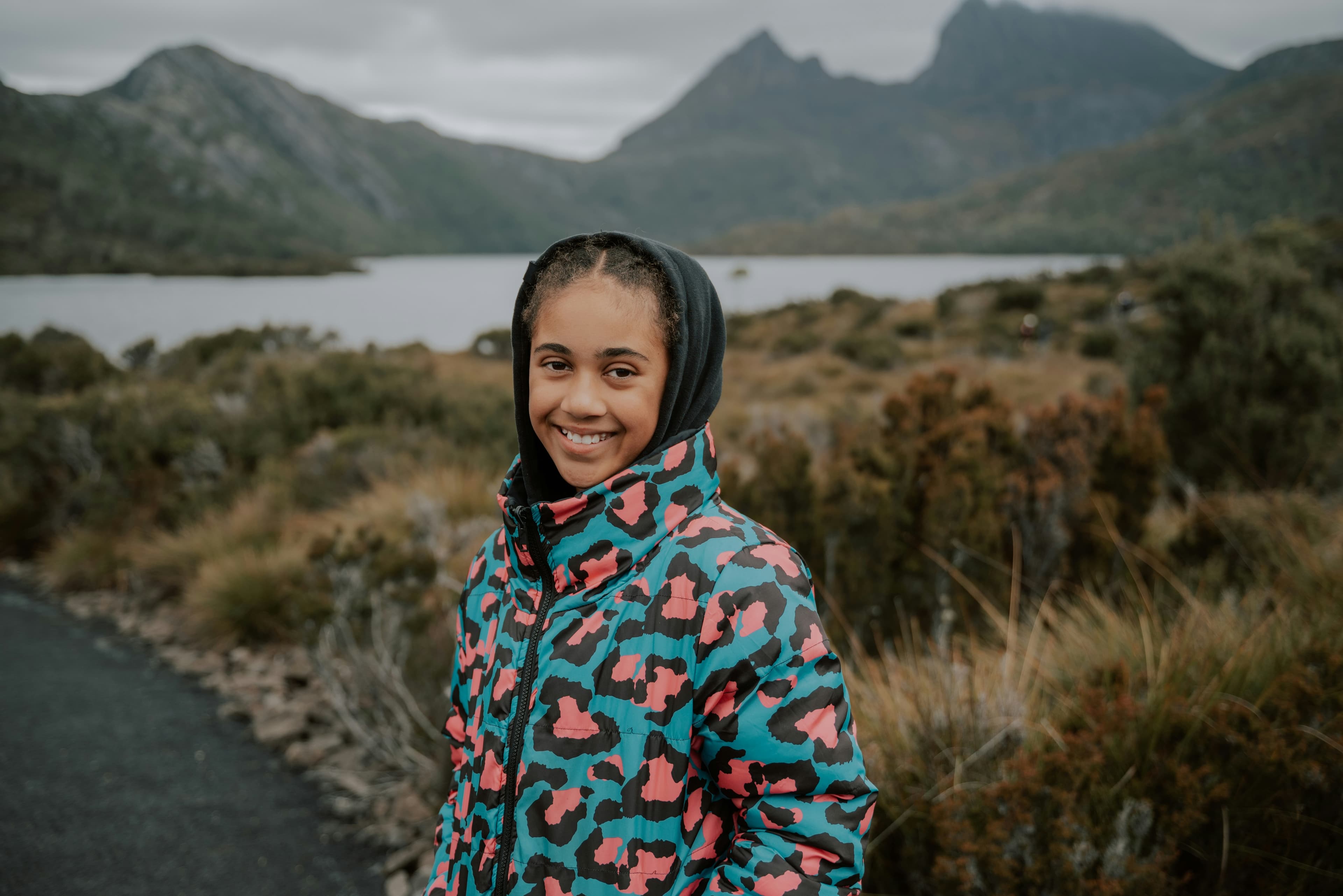
Output
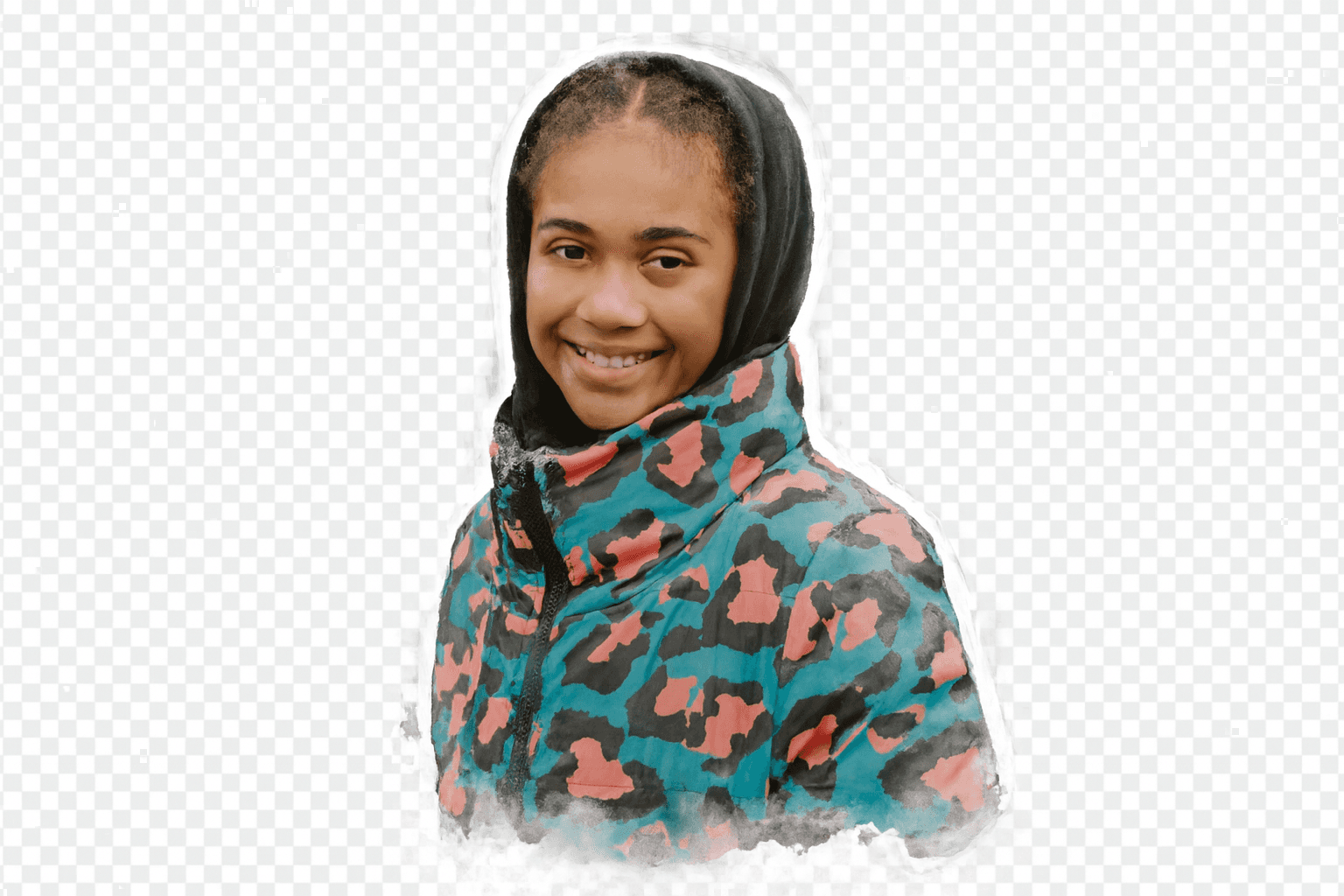
Selfie
Input: Close-up selfie with good lighting
Output: Stylized PNG for social posts
Input
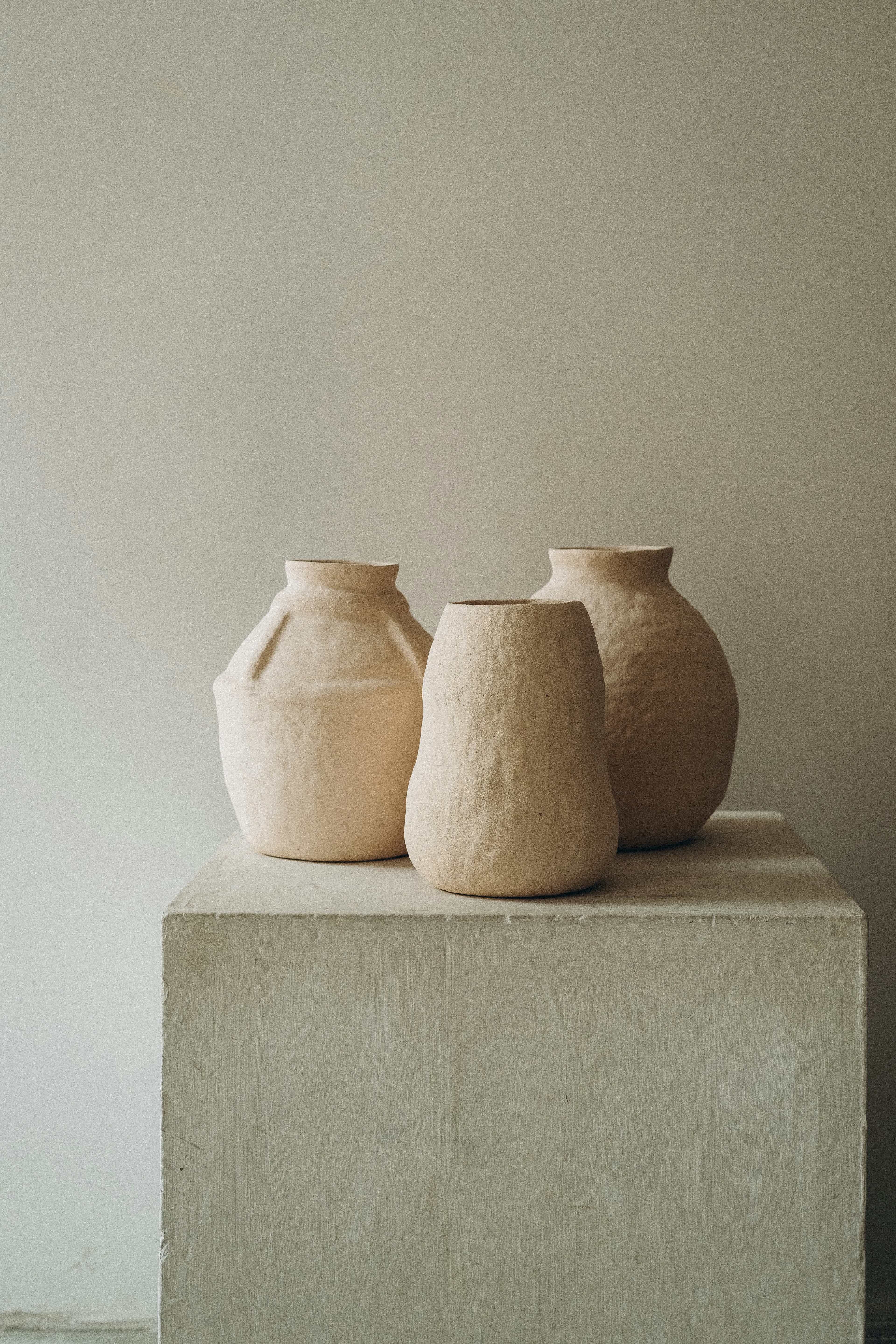
Output
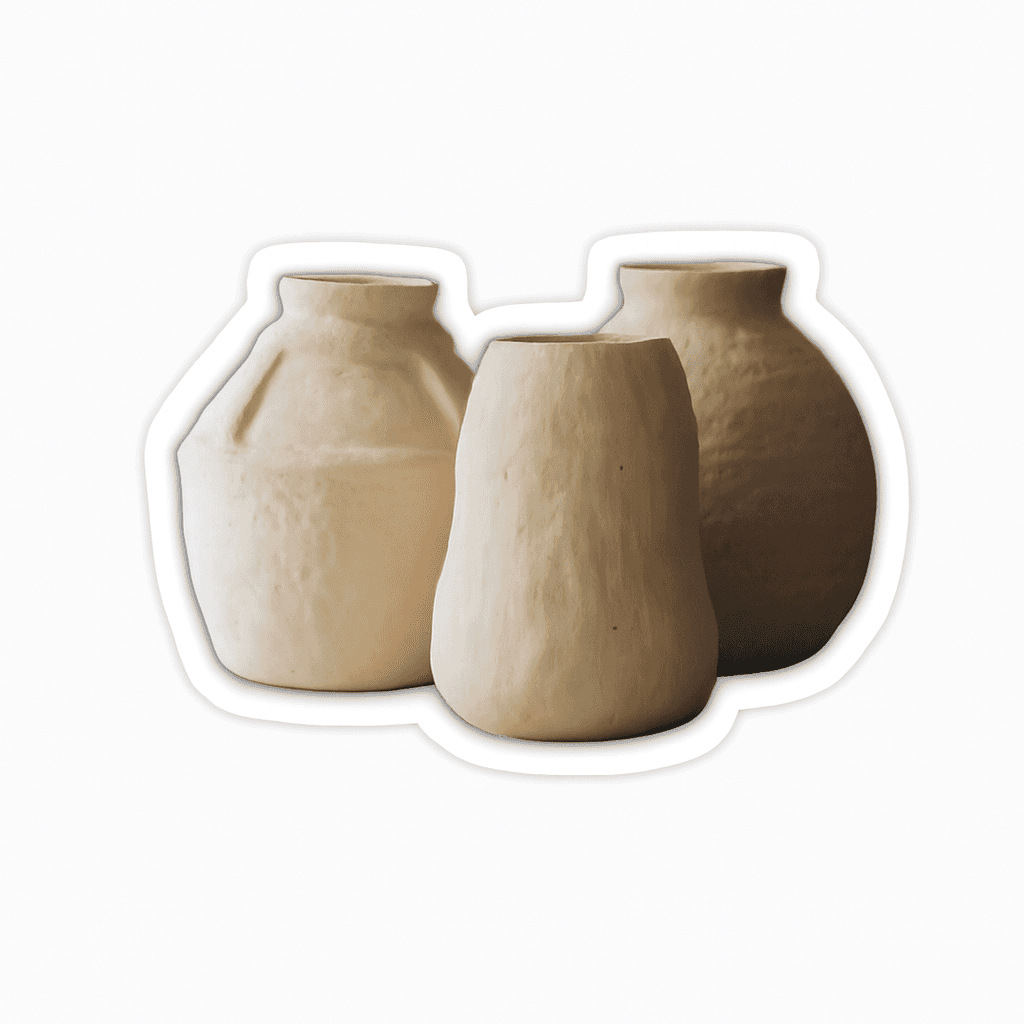
Product shot
Input: Simple product photo on neutral backdrop
Output: Sticker-style PNG for mockups
How the Sticker Generator Works
The model isolates the subject, applies a style prompt, and returns a PNG at your chosen ratio.
Subject isolation
The main subject is separated to create a clean sticker-style cutout.
Style transfer
A style preset guides the visual treatment (cartoon, pixel, 3D, and more).
Export spec
The final image is rendered to your selected ratio and delivered as PNG.
Privacy and data handling
Uploads are processed via the KieAI API to generate your sticker. Images and outputs are stored for up to 24 hours to deliver results and support retries, then deleted. Uploads are not used for training. We do not offer manual deletion requests at this time; see the privacy policy for details.
FAQ
Clear photos with a single subject and good contrast work best. Busy backgrounds or tiny subjects may reduce accuracy.
Uploads support JPG, PNG, and WebP up to 10MB. If an upload fails, try a smaller image or compress the file.
Low-resolution inputs or aggressive resizing can reduce clarity. Upload a higher-quality photo when possible.